
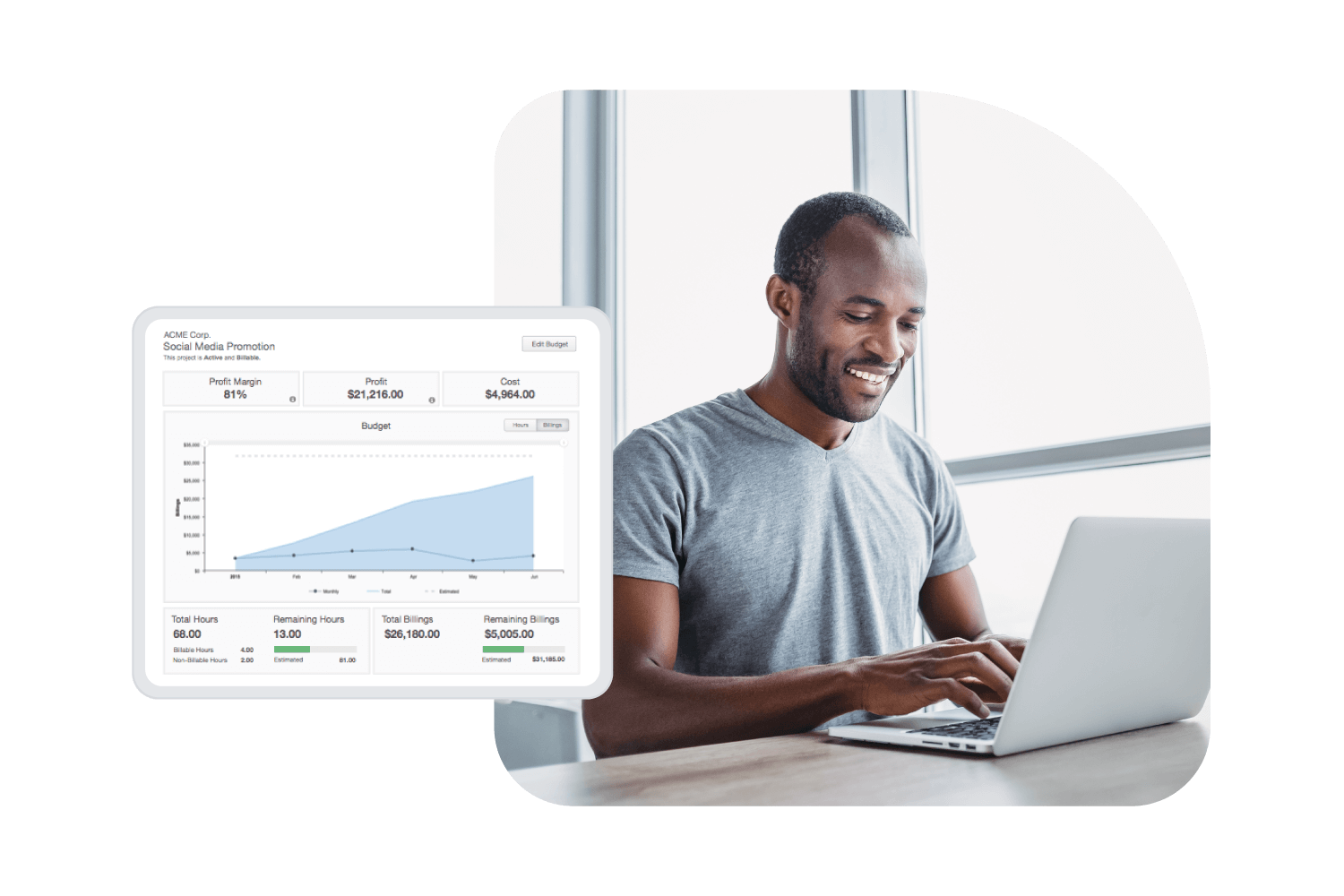

Track time by project and protect every margin

See where every project hour goes, what it costs, and whether you're hitting your target margin—before the invoice goes out.

Get a demo

Finance-ready project data

Every tracked hour carries cost rates, billing rates, and project codes—ready for invoicing and margin analysis

Labor cost budgets

Measure actual labor costs against billable hour budgets so teams can monitor and hit their target margin per project

Audit-ready records

Built-in approvals and audit trails give finance defensible records for every project hour billed

"We wanted to make sure that people were spending their time on projects that maximized revenue ... [ClickTime] is definitely helping us make better business decisions."
Anne Belanger
Director of Business Intelligence, Airborne Mobile

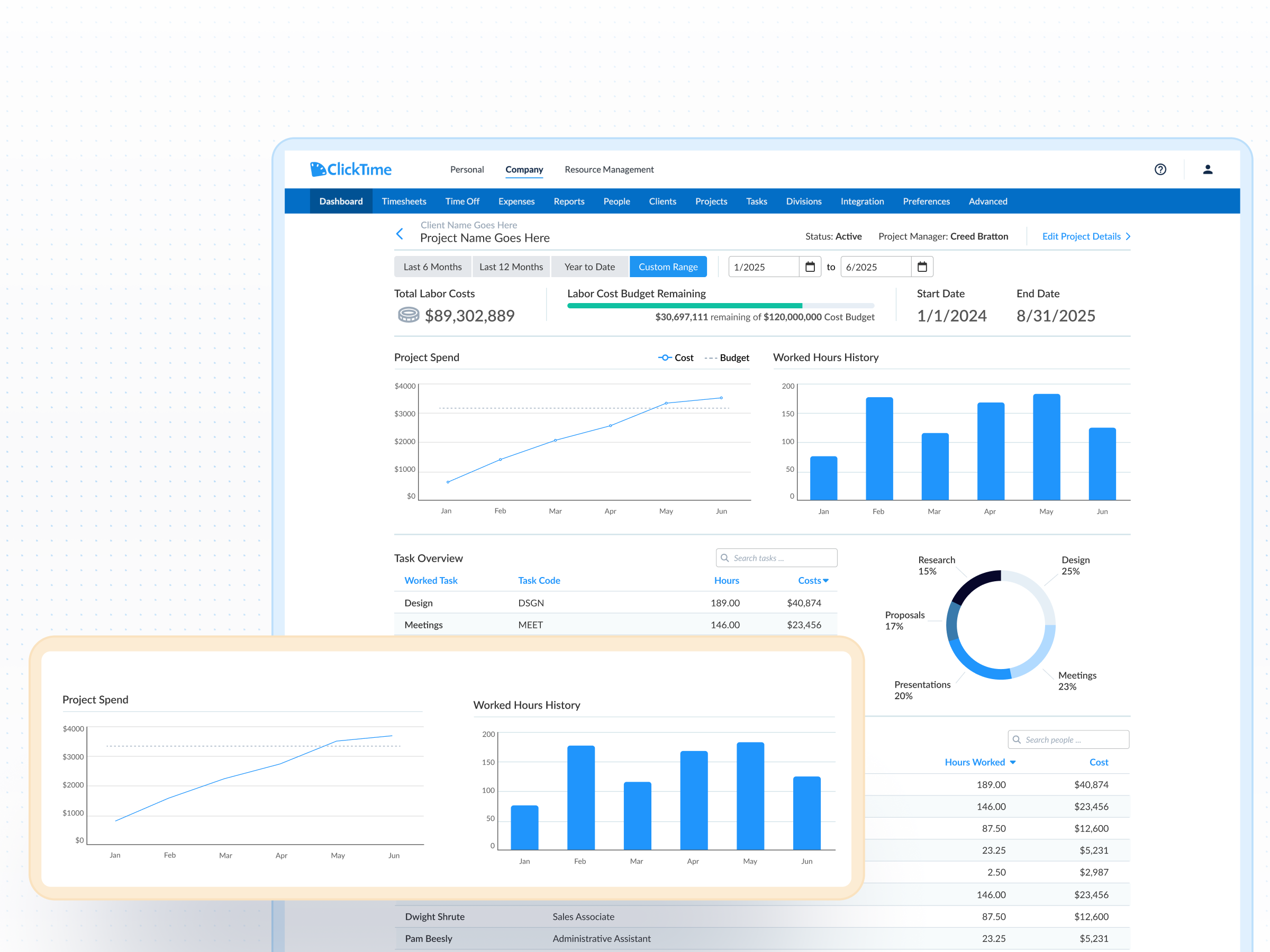
Know your true project costs—not estimates

  • Map time from tools your team already uses: ClickTime AI captures hours from project management platforms, calendars, and meeting software like Zoom, then maps that time into the project and cost codes finance and operations need—without disrupting employee workflows
  • Attach real costs to every hour: Each time entry carries employee cost rates and billing rates, so you see actual labor cost per project instead of relying on leadership estimates—something over half of organizations still do
  • Compare labor costs against billable hour budgets: Set labor cost budgets alongside billable targets for each project, giving professional services teams a clear view of whether they're on track to hit their target margin

Recover the billable hours that protect your margins

  • Capture every billable hour at the source: Frictionless time tracking across web, mobile, and integrated tools means fewer missed hours—and less revenue left on the table
  • Identify revenue leakage before the invoice goes out: Real-time dashboards show billable vs. non-billable time by project, client, and team member so you can address gaps while there's still time to act
  • Track change orders and scope changes: When client requests expand beyond the original scope, track additional hours by project phase so every billable minute is accounted for

Give every team member the visibility to deliver on budget

  • Plan capacity with real data: Use resource planning to assign project hours and balance workloads—so managers staff based on actual availability, not guesswork
  • Track utilization across your team: Monitor billable and non-billable hours per person to keep utilization healthy and catch imbalances before they affect delivery or morale
  • Set billing goals employees can see: Create billable hour targets that show up in individual dashboards, so every team member knows what success looks like and how close they are
Integrations

Purpose-built for accurate time data capture

View all integrations

Every entry includes approval workflows, complete change history, and instant reporting. Whether it's R&D tax credits, client billing disputes, or grant compliance, you have defensible records without scrambling through spreadsheets or Jira logs.

ClickTime AI
ClickTime AI
ClickTime AI
ClickTime AI
ClickTime AI
ClickTime AI

Solution FAQs

What is a profitability index?

The measure of a project’s or investment’s attractiveness in terms of ROI. The PI is calculated by dividing the present value of future expected cash flows by the initial amount invested in the project.

What is the difference between gross profit margin and net profit margin?

Gross profit margin is the gross profit divided by total revenue, multiplied by 100, to generate a percentage of income retained as profit after accounting for the cost of goods. Whereas net profit margin is the percentage of net income generated from a company’s revenue.

What is a utilization rate?

Utilization is the amount of employees’ available time that’s used for productive, billable work, typically expressed as a percentage.

What is scope creep?

Scope creep refers to changes, continuous or uncontrolled growth in a project’s scope, at any point after the project begins.

What is the difference between project time tracking and general time tracking?

General time tracking records when employees work. Project time tracking ties every hour to a specific project, client, and cost code—so finance can calculate true labor costs per project, compare actuals against budgets, and generate accurate invoices. ClickTime does both, but its core value is turning project-level time data into finance-ready labor cost insight.

How does project time tracking software improve profitability?

Most margin erosion happens invisibly—unbilled hours, scope creep, and labor costs that exceed estimates. Project time tracking software makes these costs visible in real time, so teams can recover billable hours, catch overruns before they compound, and compare actual labor spend against budgeted targets. Only 47% of organizations can forecast future project costs effectively, which means most are making margin decisions on incomplete data.

What is a utilization rate and why does it matter?

Utilization rate is the percentage of an employee's available hours spent on productive, billable work. It's one of the most important profitability metrics for professional services firms because it directly affects margins and capacity planning. ClickTime tracks billable and non-billable hours per team member, giving managers the data to keep utilization balanced and sustainable.

How can I track time by project without disrupting my team's workflow?

ClickTime AI maps time from the project management tools, calendars, and meeting software your team already uses—like Jira, Outlook, and Zoom—into the project and cost codes that finance and operations need. Employees don't have to change how they work, and leaders get accurate, categorized time data tied to every project.

Stop losing visibility into your largest expense

Book a demo
Ask a question