Time tracking and resource allocation for operations leaders

Operations leaders use ClickTime to track labor costs, manage project budgets, and allocate resources with finance-ready data instead of estimates.

Get a demo

Real-time budget visibility

Track labor spend against project budgets as work happens—not weeks after the invoice goes out

Resource allocation you can trust

See where every hour goes across teams and projects so you can reallocate before capacity gaps become delivery failures

Finance-ready labor data

Replace estimates and spreadsheets with verified cost data that finance and operations can both work from

"Resource Planning enables me to keep our many projects on track and on budget. We're able to understand employee capacity and utilization, and armed with actionable data, make better decisions about how we run our business."
Sarah McGeary
Vice President of Strategy and Operations, Nectar

Stop budget overruns before they start

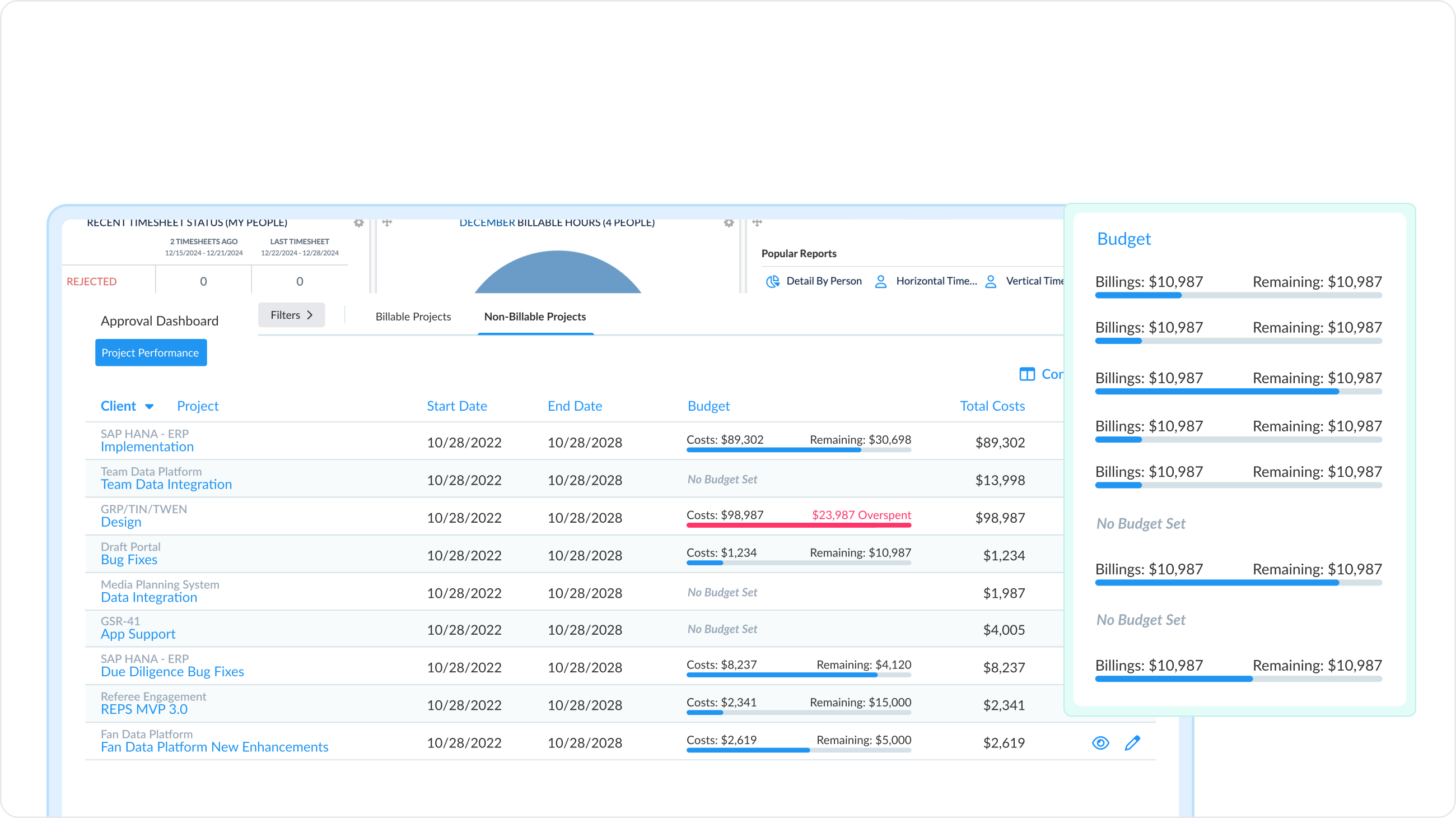
  • Track project budgets in real time: Compare estimated hours and costs against actuals as work progresses—spot variances quickly before project close
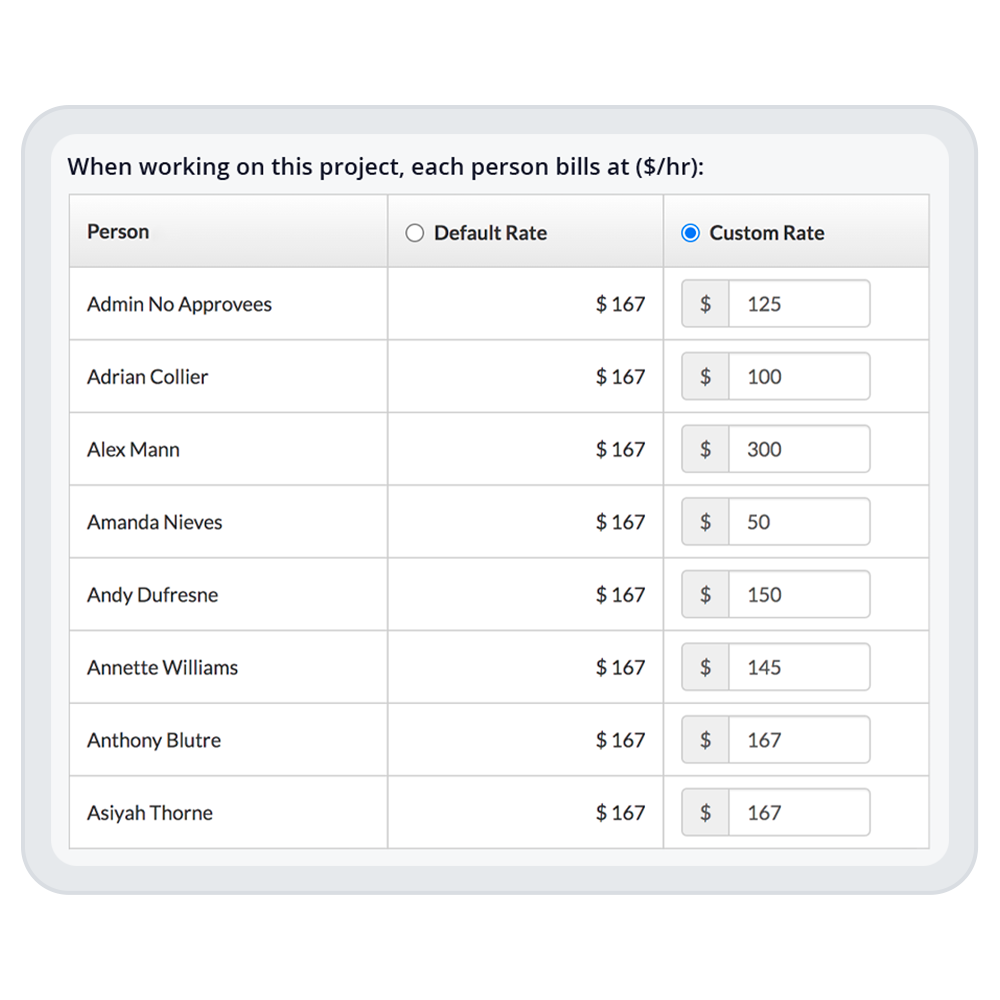
  • Calculate true labor cost rates: ClickTime factors in individual employee billable and non-billable rates and salaries, so your project cost data reflects reality, not assumptions
  • Monitor burn rate by project: See how fast teams are consuming budget so you can adjust scope, staffing, or timelines while there's still room to course-correct
Allocate resources based on data, not guesswork

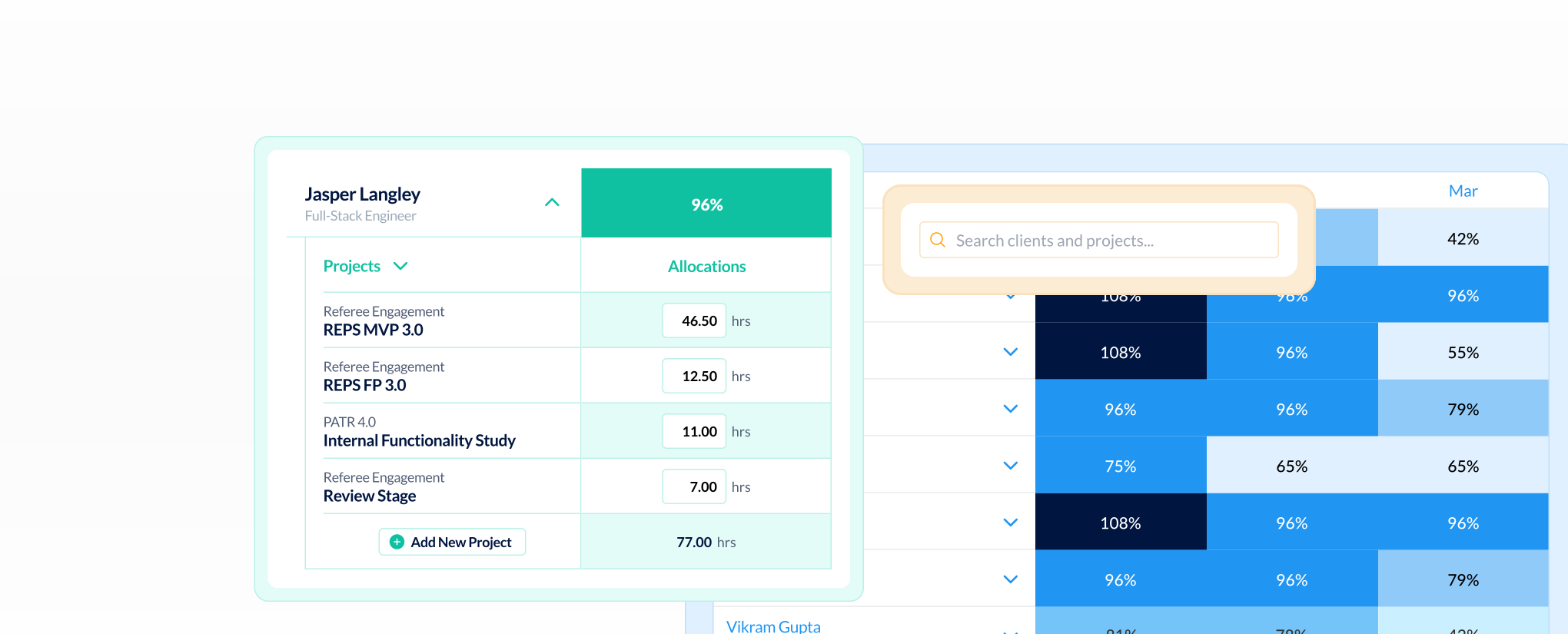
Over half of organizations still rely on leadership estimates for labor allocation—and 50.1% have experienced budget overruns as a result. ClickTime gives operations leaders a single view of team capacity, project assignments, and utilization rates, so you can allocate people to the work that matters most and catch overallocation before it burns out your team or blows your budget.

Bill accurately and protect project margins

  • Flexible billing models: Apply different rates by employee, project, or task—whether you bill hourly, on retainer, or fixed-bid
  • Identify revenue leakage: See which projects generate margin and which erode it, so you can address profitability gaps before they compound
  • Export verified time data: Send accurate billable hours directly to your invoicing or accounting system—no manual reconciliation required
Integrations

Purpose-built for accurate time data capture

View all integrations

Every entry includes approval workflows, complete change history, and instant reporting. Whether it's R&D tax credits, client billing disputes, or grant compliance, you have defensible records without scrambling through spreadsheets or Jira logs.

ClickTime AI
ClickTime AI
ClickTime AI
ClickTime AI
ClickTime AI
ClickTime AI
Integrations

Connect ClickTime to the tools your operations team already uses

View all integrations

ClickTime connects to your invoicing and financial systems so verified, approved hours flow directly into your billing workflow — no manual re-entry, no reconciliation before the invoice goes out. Every entry includes a complete approval history and change log, so when a client questions a charge, you have the record to back it up.

ClickTime AI
ClickTime AI
ClickTime AI
ClickTime AI
ClickTime AI
ClickTime AI

Solution FAQs

How does time tracking software help operations leaders manage project budgets?

Time tracking software gives operations leaders real-time visibility into labor costs as projects progress—not after they're complete. ClickTime tracks hours against project budgets at the point of entry, calculates true cost rates for each employee, and surfaces budget variance the moment it appears. This means you can adjust staffing, scope, or timelines before a project goes over budget, rather than explaining the overrun after the fact.

What is the difference between resource planning and resource allocation software?

Resource planning focuses on forecasting future capacity needs—how many people you'll need and when. Resource allocation is about assigning available people to active work based on current capacity and project demands. ClickTime supports both by showing real-time utilization data and team availability, so operations leaders can allocate resources based on verified data rather than estimates, and plan future staffing with confidence.

How can operations leaders track project budgets without spreadsheets?

Spreadsheets require manual updates, introduce version-control problems, and can't show you budget status in real time. ClickTime replaces spreadsheet-based budget tracking by capturing labor hours at the source and comparing them against project budgets continuously. Operations leaders see burn rate, cost variance, and remaining budget in real time—with data that's already verified and ready for finance to use.

What features should operations leaders look for in time tracking software?

Operations leaders should prioritize time tracking software that ties hours to projects, cost centers, and billing codes at the point of entry. Key capabilities include real-time project budget tracking, resource allocation visibility, cost rate calculations for different employee types, and integrations with your existing accounting or ERP systems. The goal is finance-ready data that both operations and finance teams can trust—not just a log of hours.

Stop losing visibility into your largest expense

Book a demo
Ask a question