How to Set Up Automated Time Tracking and AI Mapping in ClickTime
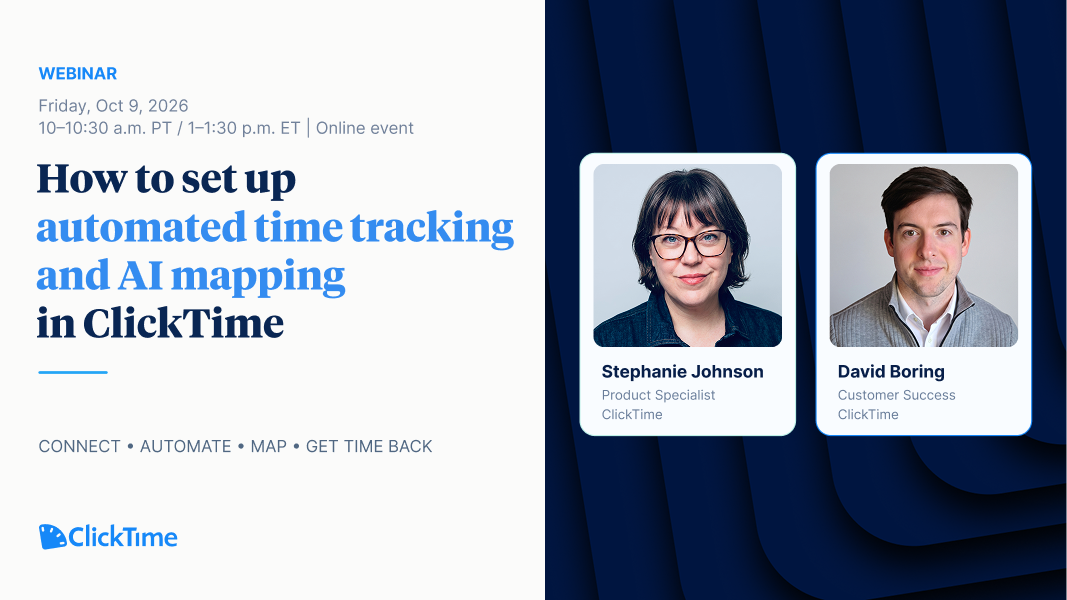
On-Demand Webinar | Recorded October 9, 2026
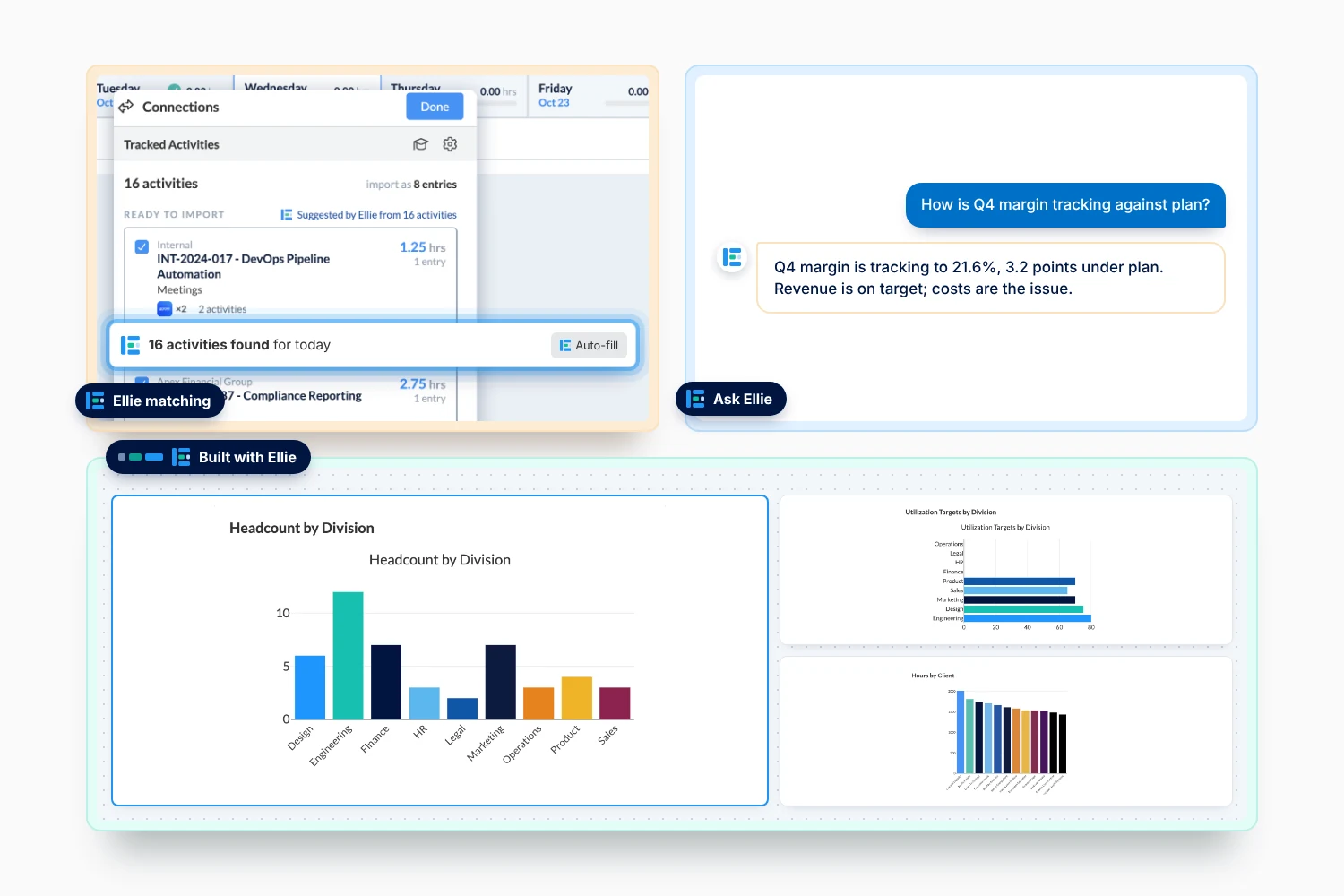
Your team's work already leaves a trail — in calendars, meetings, tickets, and documents. ClickTime Connections brings that activity into your timesheets, making time tracking faster and more complete. AI mapping helps match that activity to the right projects and cost codes.
In this recorded walkthrough, Stephanie Johnson and David Boring demonstrate how to set up Connections, what your team sees once they're enabled, and how AI mapping helps reduce manual timesheet entry.
Watch the full session below to see these features in action and get a preview of what's coming next.
What you'll learn
- How to set up a connection from start to finish, with a live example
- What changes on your team's timesheet once Connections are enabled
- How AI mapping helps assign hours to the right projects and cost codes
- How automatic timesheet filling works and when to enable it
- Which account configurations are currently supported
- What's coming next for automated time tracking in ClickTime
Featured Speakers
Stephanie Johnson — Sales Engineer, ClickTime
David Boring — Customer Success Manager, ClickTime