Free Excel expense report template
Need a reliable way to track and report business expenses? ClickTime's free Excel expense report template helps employees and managers submit, review, and approve expense reimbursements without the hassle of building spreadsheets from scratch.
This printable expense report template works in Microsoft Excel or Google Sheets, giving your finance team a consistent format for capturing business-related costs—from travel expenses and mileage to lodging and transportation expenses.
What is an expense report?
An expense report is a document that itemizes business expenses paid by an employee for reimbursement. It serves as the official record connecting out-of-pocket costs to company budgets and accounting systems.
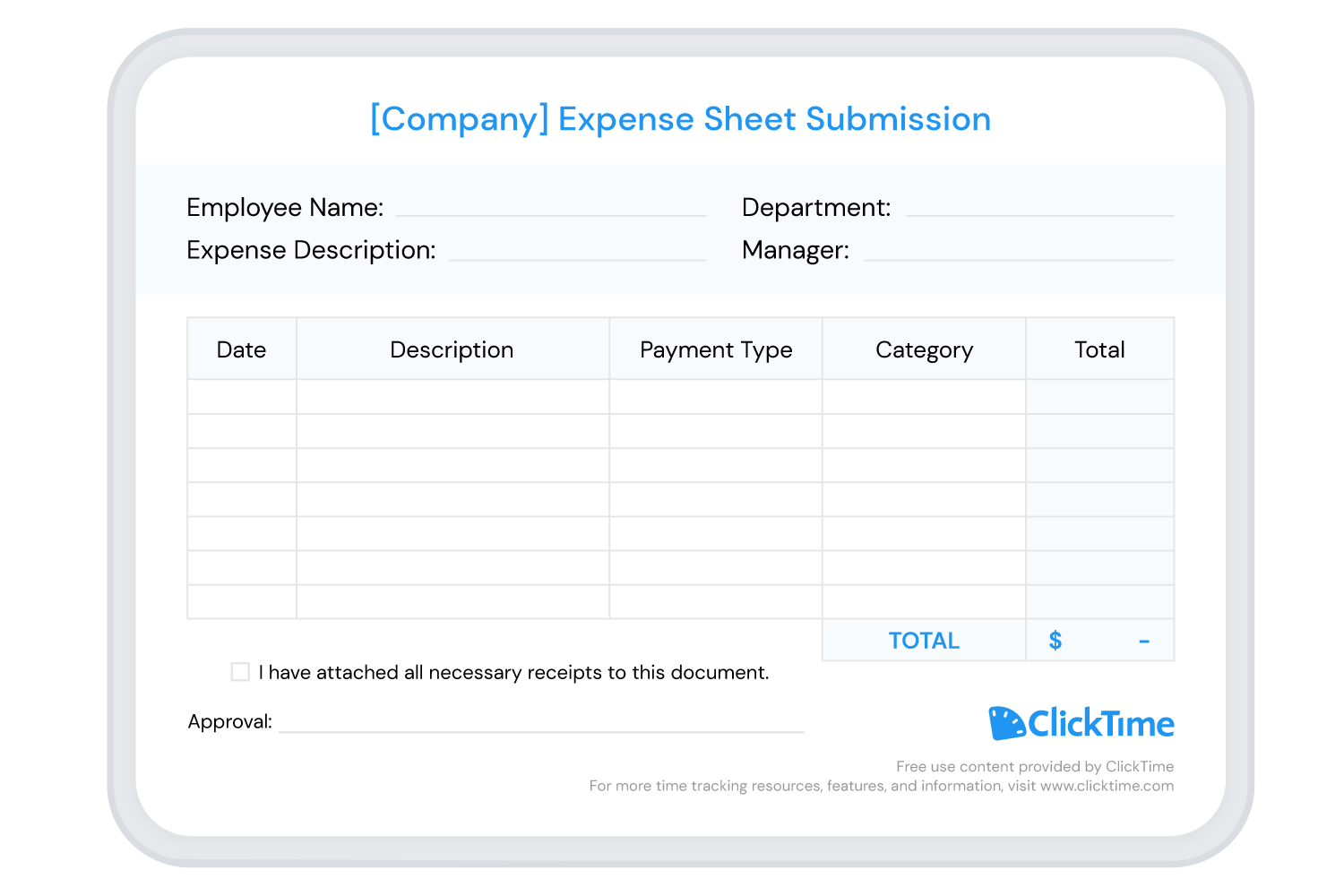
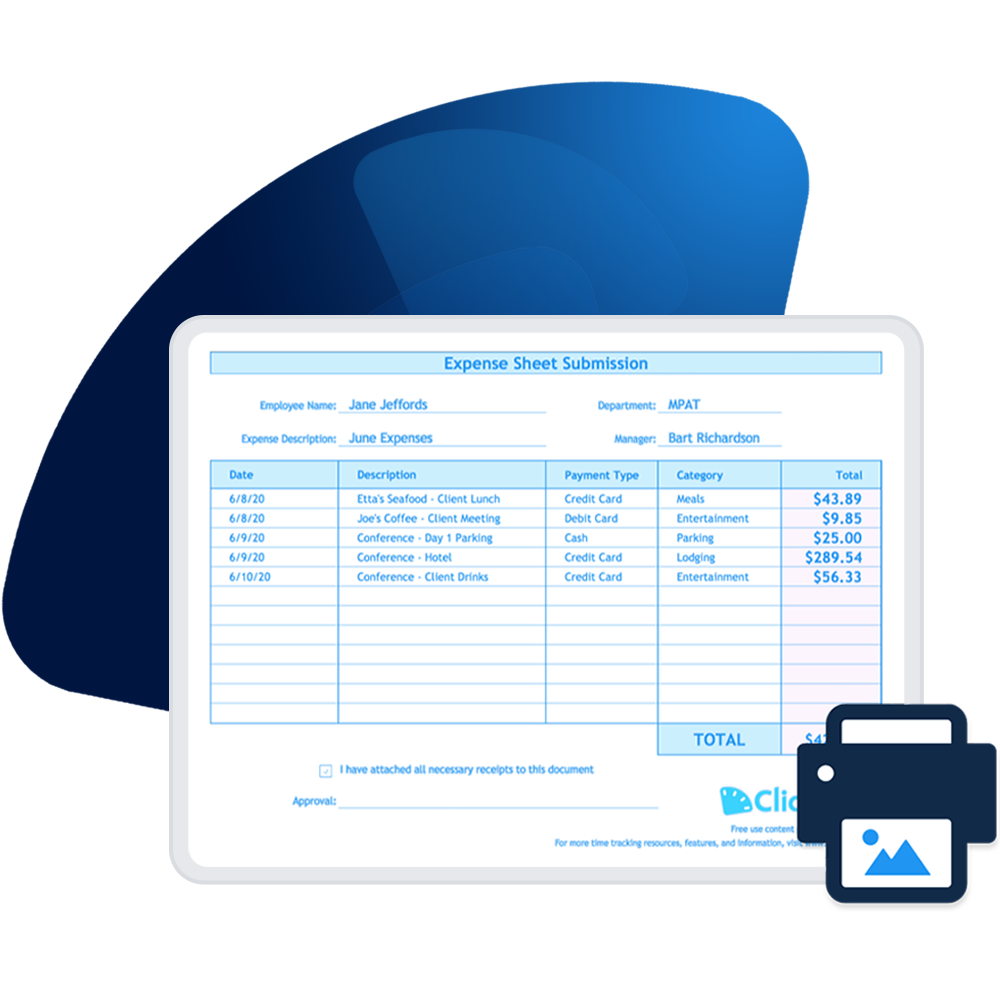
A basic expense report typically includes the date of each expense, a description, expense categories (such as travel, meals, or supplies), payment type, and the total cost. When employees attach receipts, the expense report becomes an audit-ready record your finance team can trust.
For small businesses and large organizations alike, expense reports are essential for maintaining accurate financial records. They help accounting professionals reconcile spending, track expenses against budgets, and ensure tax-deductible business expenses are properly documented.
Why use an expense report template?
Creating an expense report in Excel from scratch wastes valuable time—time better spent on work that moves your business forward. A well-designed expense report template solves this by providing:
- Consistent formatting: Every expense report follows the same structure, making it easier for managers and finance teams to review and approve reimbursements
- Built-in calculations: Totals are automatically calculated, eliminating manual math errors that delay expense reimbursements
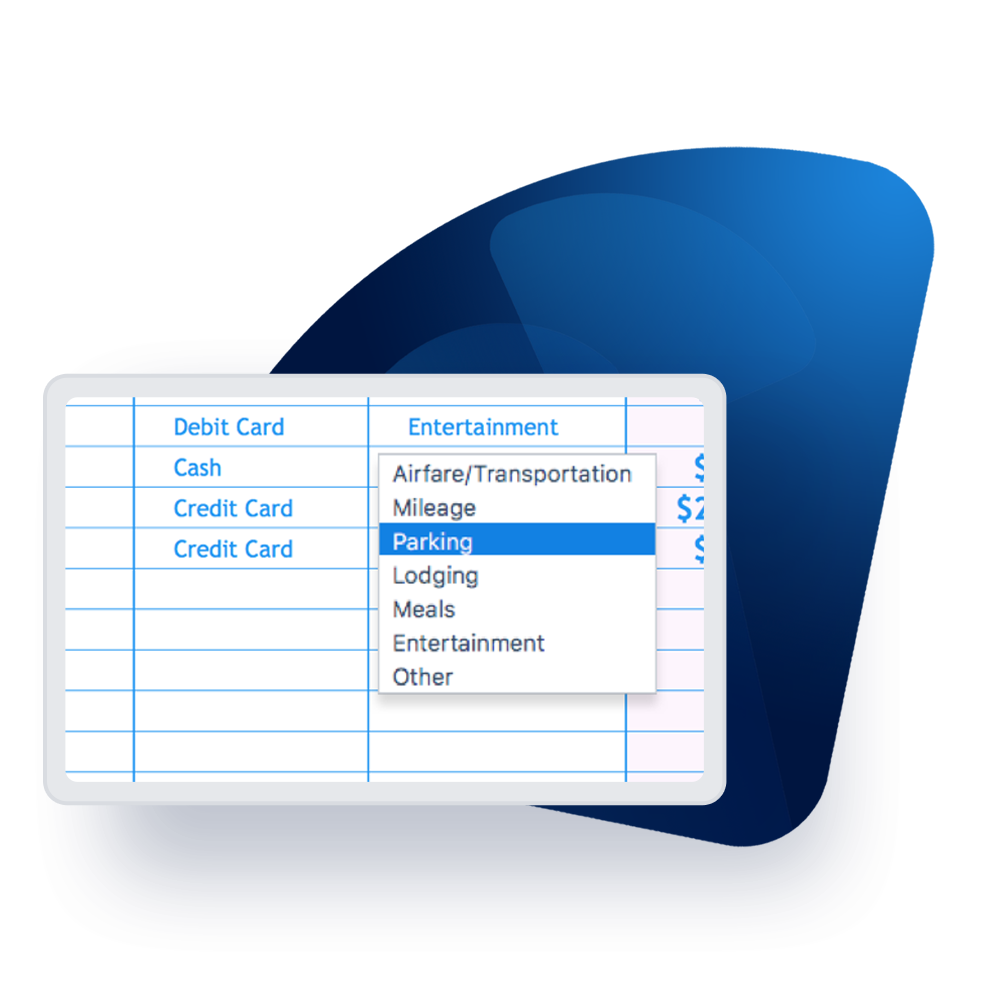
- Customizable expense categories: Drop-down menus for payment type and expense types ensure accurate categorization across your organization
- Audit-ready documentation: Checkbox fields and signature lines capture the approvals needed for compliance
Whether you need to track a single business trip or manage weekly and monthly expense reports across departments, this template can help you keep track of specific expenses without reinventing the process each time.
What should be included in an expense report?
A complete expense report template includes these essential elements:
- Employee information: Name, department, and manager for routing and approval
- Expense description: Clear details about what each expense covers
- Date and amount: When each cost was incurred and the total cost
- Expense categories: Spending categories like travel expenses, mileage, lodging, meals, or supplies
- Payment method: Whether expenses were paid by company card, personal card, or cash
- Receipt attachments: Documentation to verify business-related purchases
- Approval signatures: Manager sign-off for the reimbursement process
ClickTime's Excel expense report template includes separate sections for each of these elements, plus automatic totals that tally your expenses as you enter them.
Types of expense report templates for Excel
Different business needs call for different expense report formats. Here are the most common expense tracker templates:
Travel expense report template
A travel expense report template captures the costs employees incur during business trips. This includes airfare, lodging, transportation expenses, meals, and business mileage. Travel expenses often have specific company policies and tax implications, so having a dedicated template ensures nothing gets missed.
Weekly and monthly expense report templates
For ongoing expense tracking, weekly expense report templates and monthly expense templates help employees submit costs on a regular schedule. This keeps reimbursements flowing and prevents the end-of-quarter scramble to reconstruct spending from memory.
Contractor expense report template
A contractor expense report template is designed for freelancers and vendors who need to bill clients for project-related costs. It typically includes fields for client information, project codes, and billable versus non-billable expense categories.
Mileage and vehicle expense template
When employees use personal vehicles for business purposes, a mileage tracker captures the details needed for reimbursement. This includes starting and ending locations, total miles driven, and the applicable IRS standard mileage rate.
An organized, printable expense report
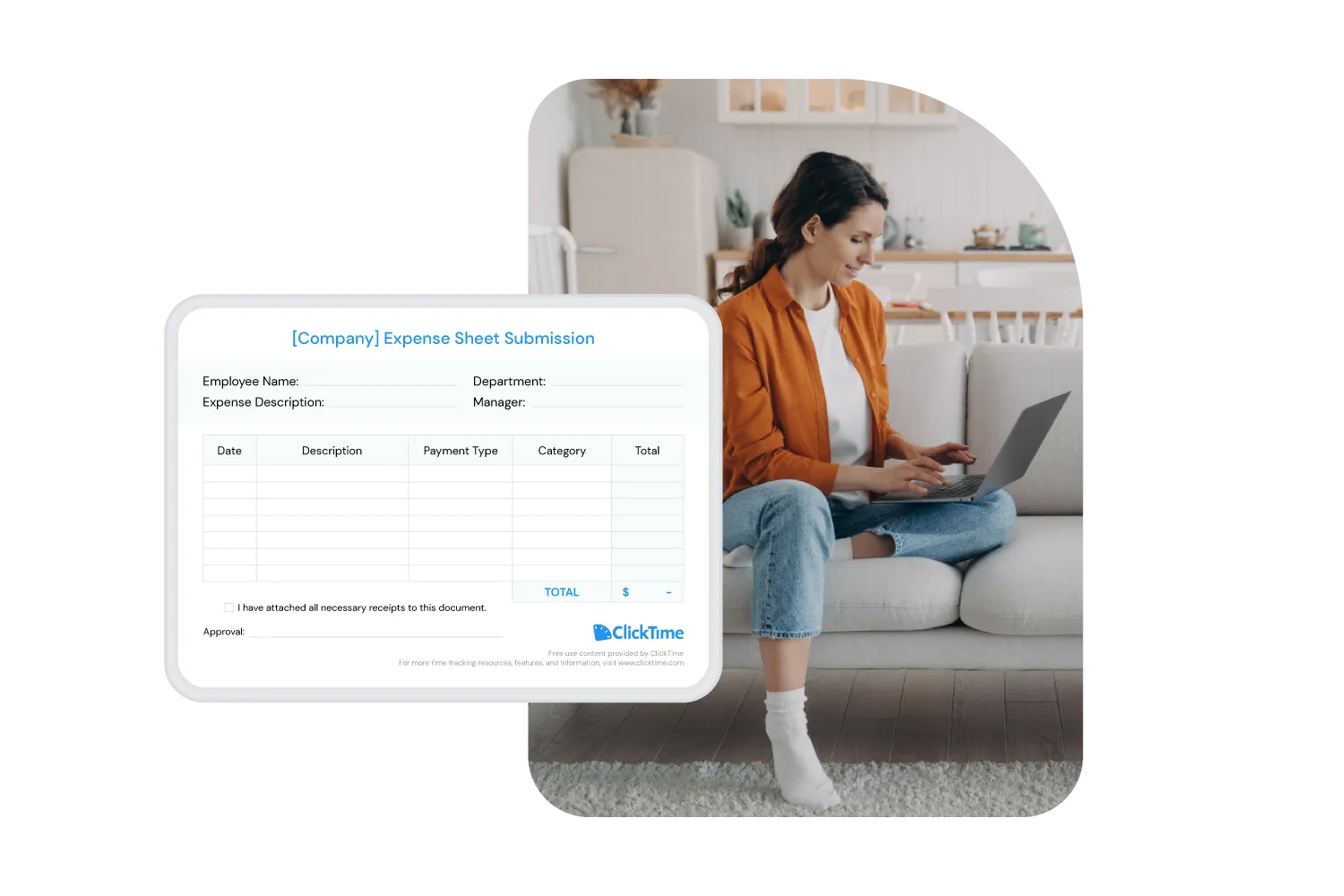
ClickTime's printable expense report template consolidates all of your data and displays it in a visually clear format. Checkboxes and signature lines ensure you provide all the information needed for a smooth, efficient reimbursement process.
The template is customizable—you can add your company name, adjust expense categories to match your budget codes, and modify fields to capture the specific expenses your organization needs to track.
How to create an expense report using this template
It's straightforward to submit, review, and approve reimbursements with this free expense report template in Excel or Google Sheets.
Getting started
- Download the Excel expense report template (or upload the template to Google Sheets)
- Open the template in Microsoft Excel or Google Sheets
- Save the file with a descriptive name like "[Trip Name] Expense Report" or "[Month] Expenses"
Setting up your expense report
- Add your company name to the top of the spreadsheet
- Enter the employee name, expense description, department, and manager
- Review the expense categories and customize them if needed for your organization
Using the expense report template
- For each expense, enter the date and a clear description
- Use the drop-down menus to select the payment type and category
- Enter the total cost for each line item
- Attach all necessary receipts to the document
- Submit for review and approval
The template automatically calculates your expense total, so neither you nor your manager needs to manually tally the reimbursement amount.
When spreadsheets aren't enough: expense tracking software
Excel templates work well for occasional expense reports, but they create challenges at scale. Manual data entry takes time, version control becomes messy, and there's no real-time visibility into spending across the organization.
ClickTime's expense tracking software provides a better alternative for organizations that need to track expenses consistently. Here's what makes it easy for everyone:
Employee expense reporting made efficient
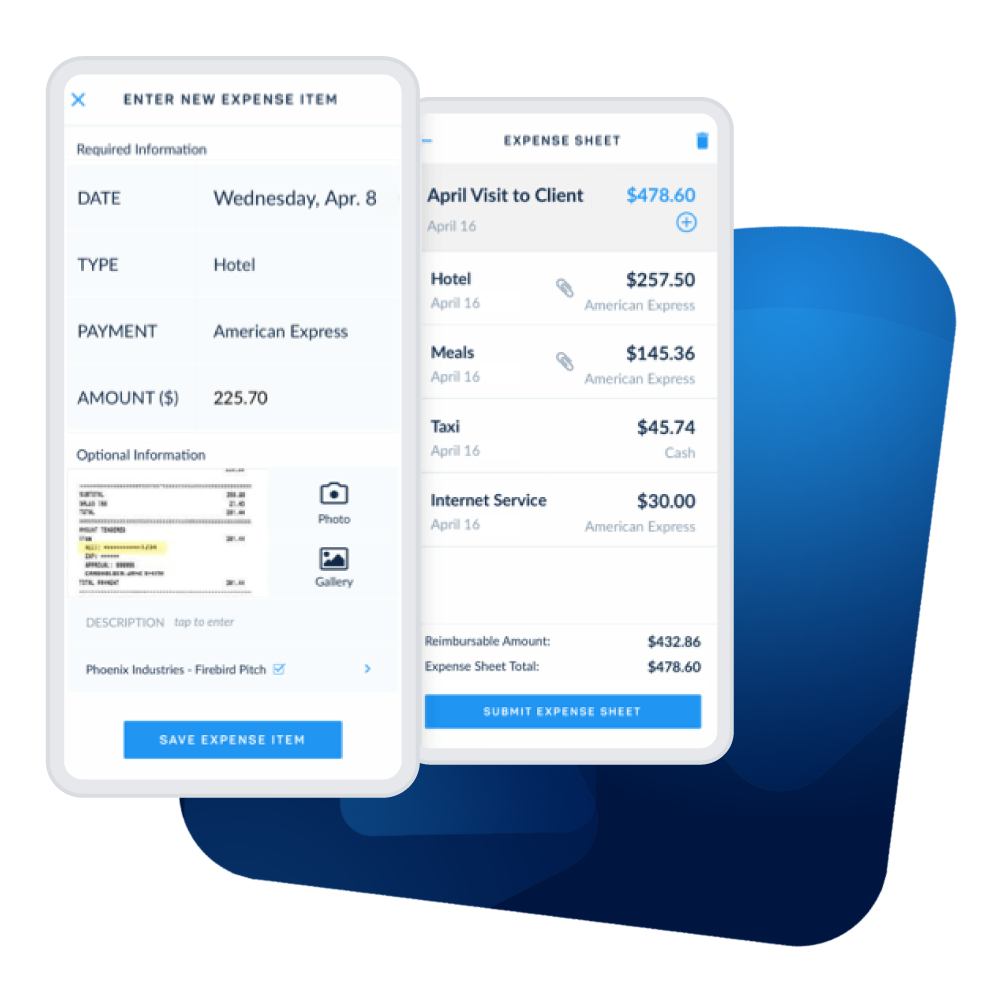
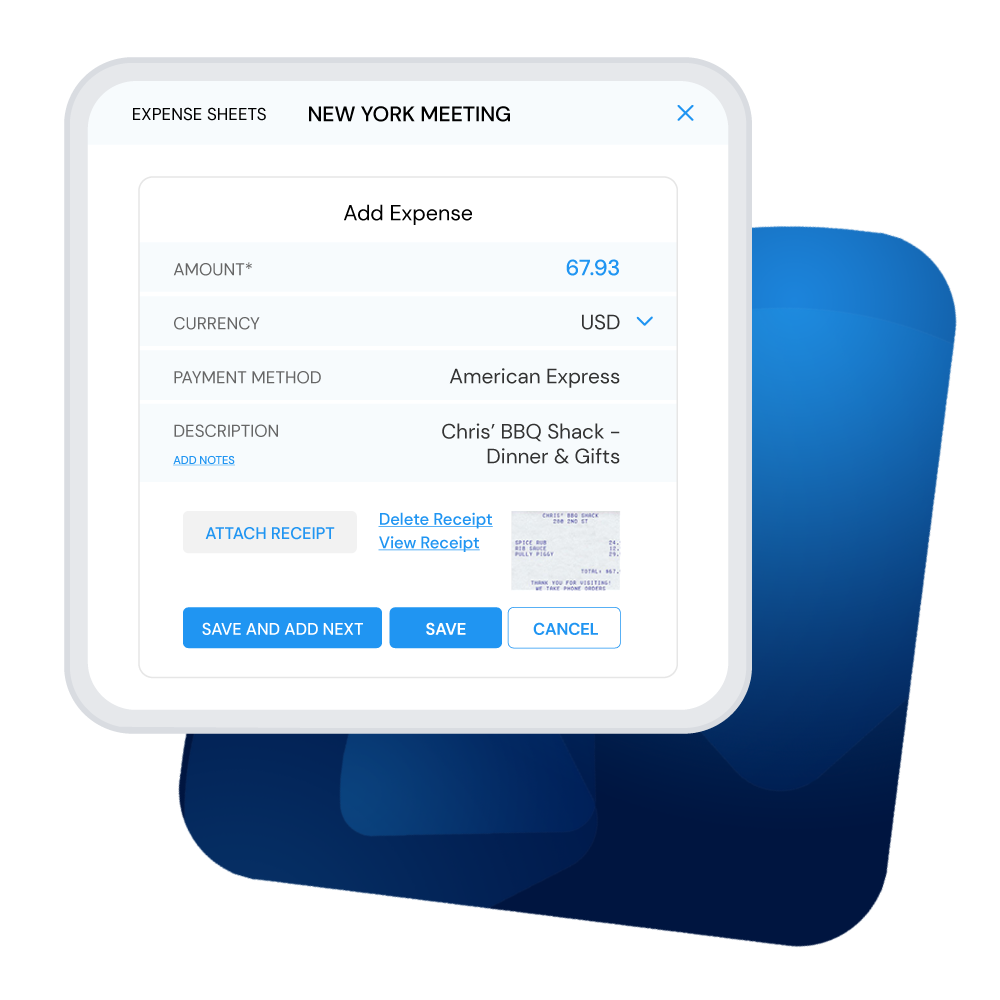
Employees can get expenses into the system faster than with typical expense report templates. Upload receipts directly, select from pre-configured expense categories, and submit from anywhere—including through the mobile expense tracking app. No more waiting to get back to the office to file expense reports.
Quick expense approvals
Approving expense reports is straightforward. Like ClickTime's timesheet approval module, it's as direct as logging in, seeing an alert, and checking a box. Once approved, expenses automatically appear on designated reports for reimbursement, invoicing, or cost accounting.
Organizations that prefer manual approval also benefit from ClickTime's PDF-based expense reports, which are perfect for printing.
Beyond expense templates: complete labor cost visibility
ClickTime helps eliminate the time you waste maintaining Excel templates and manual processes:
- Web timesheets automatically calculate totaled hours and autofill previously used tasks, so employees can quickly complete time entry
- Automatic reminders notify employees with late or incomplete timesheets, so managers don't have to track them down
- Expense tracking integrates with time data to give you a complete picture of project costs and employee expenses
- Finance-ready reporting delivers the audit-ready records your accounting professionals need for budget tracking and tax filing
When you combine time and expense data in one system, you gain real-time visibility into where every hour and dollar goes—the foundation for better budgeting, more accurate invoicing, and confident financial decisions.
Ready to move beyond spreadsheets? Start your free ClickTime trial and see how labor cost visibility can help your organization.